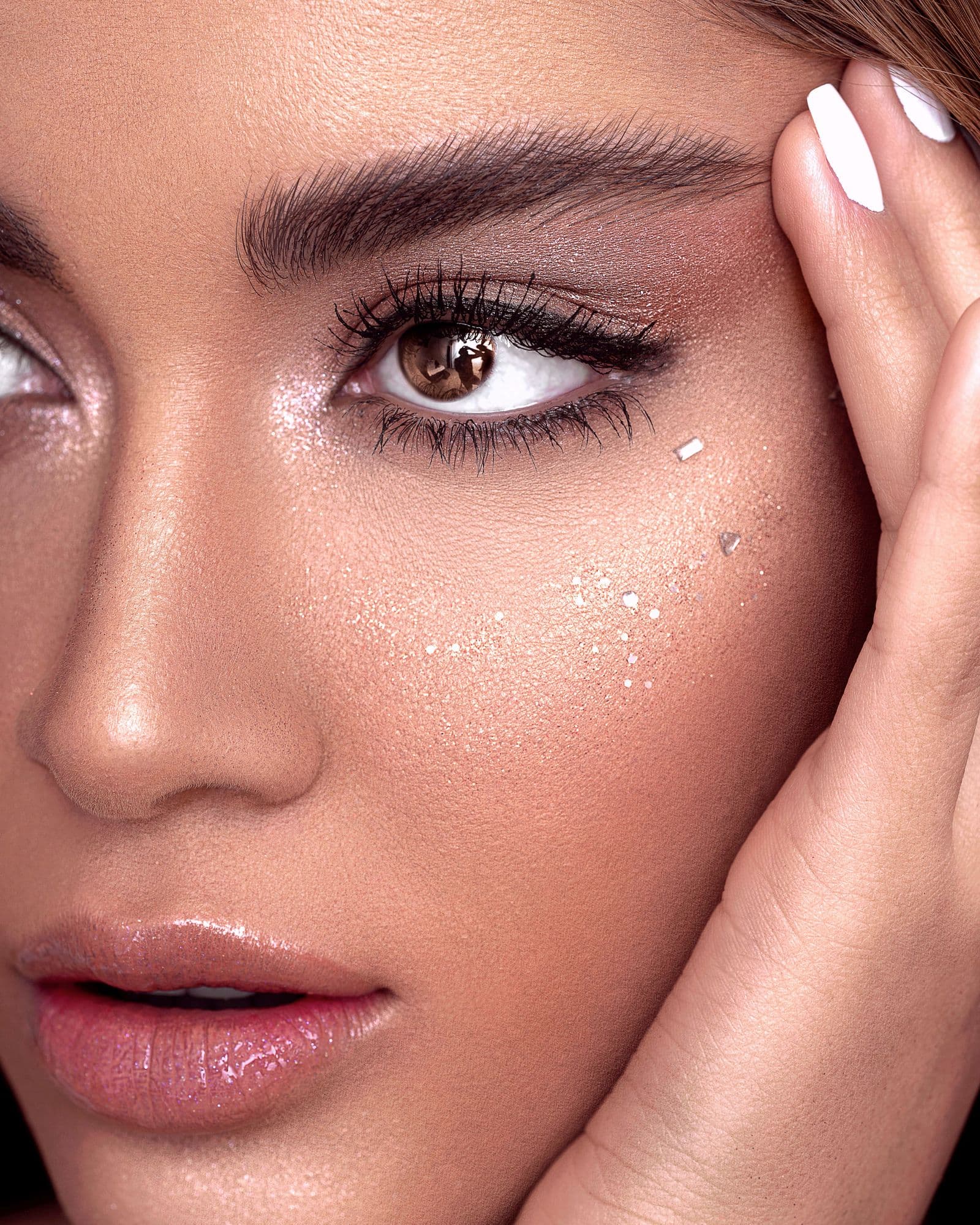

From photo to recipe
We break the look you like into steps.
Upload a photo. Blenda separates the look region by region, works out which product was applied and how, then matches it against the products in your kit. It names no brands; it gives category, finish and shade.
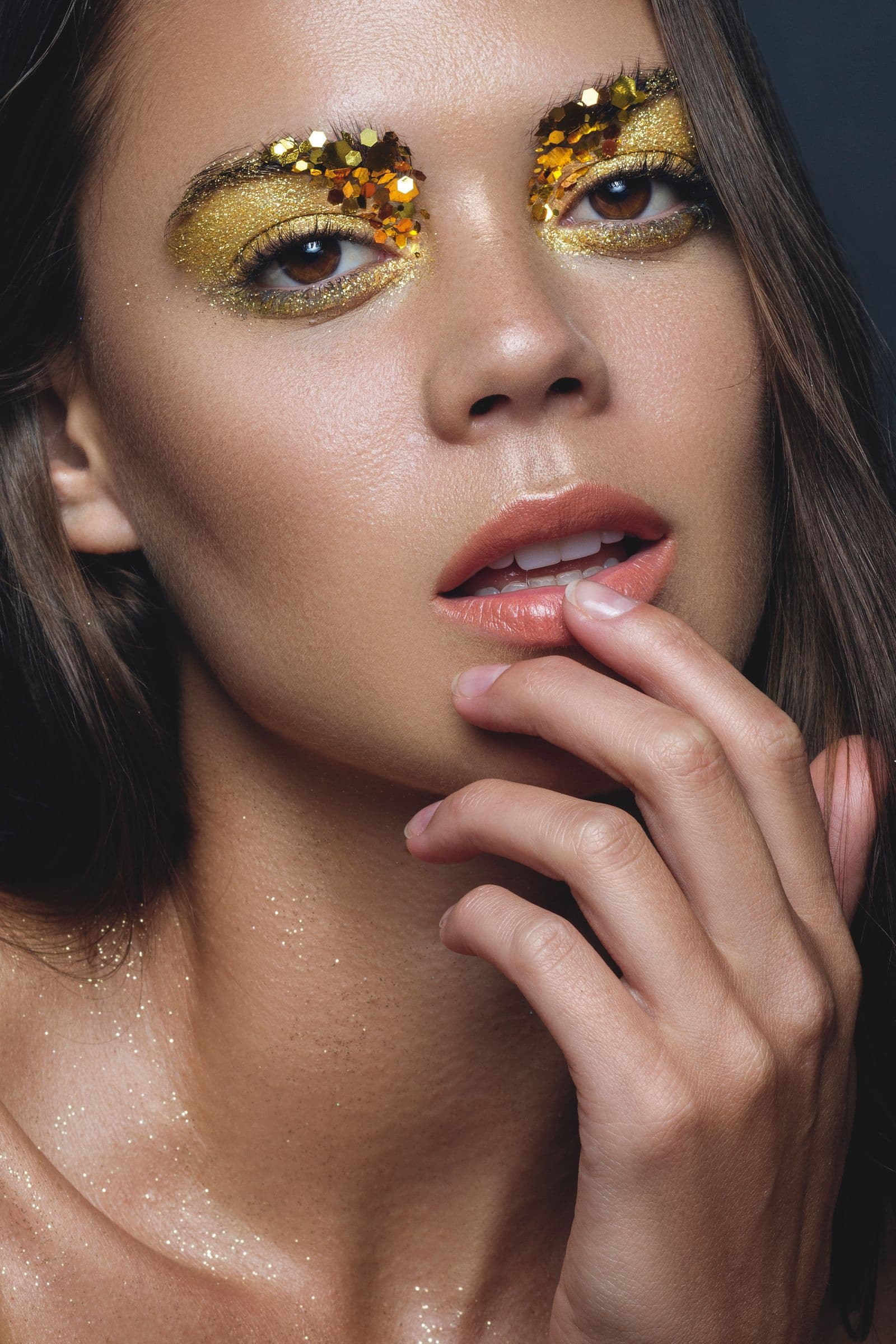
Press a dewy foundation from the centre of the face outwards.
How it works
It works in three steps.
- 01
Upload the photo
Choose a photo of the look you like, or take one with the camera.
- 02
Let Blenda analyse it
It is separated region by region: which product, which shade, how many coats and in what order.
- 03
Apply it with what you own
It is matched against your kit and you are guided step by step with the mirror open.
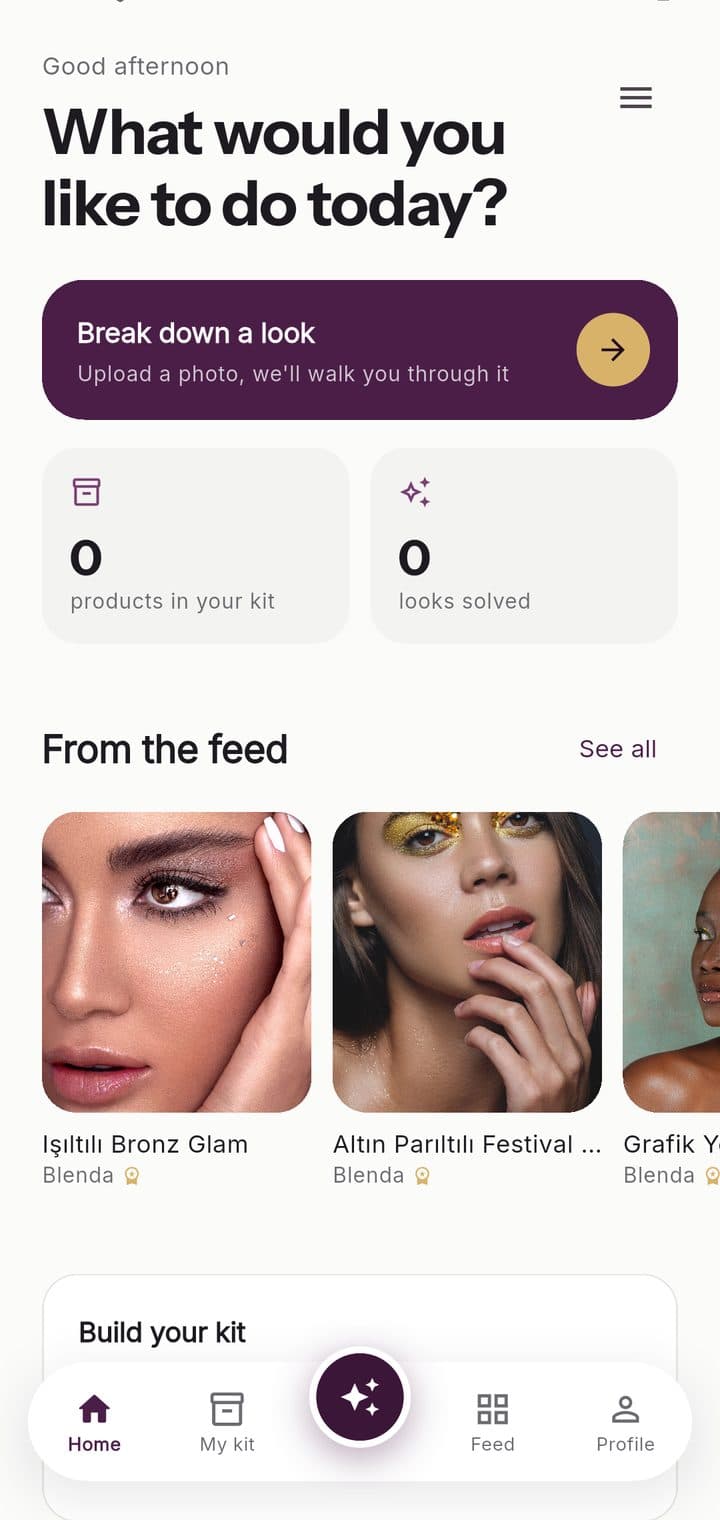
From the app
This is how it looks.
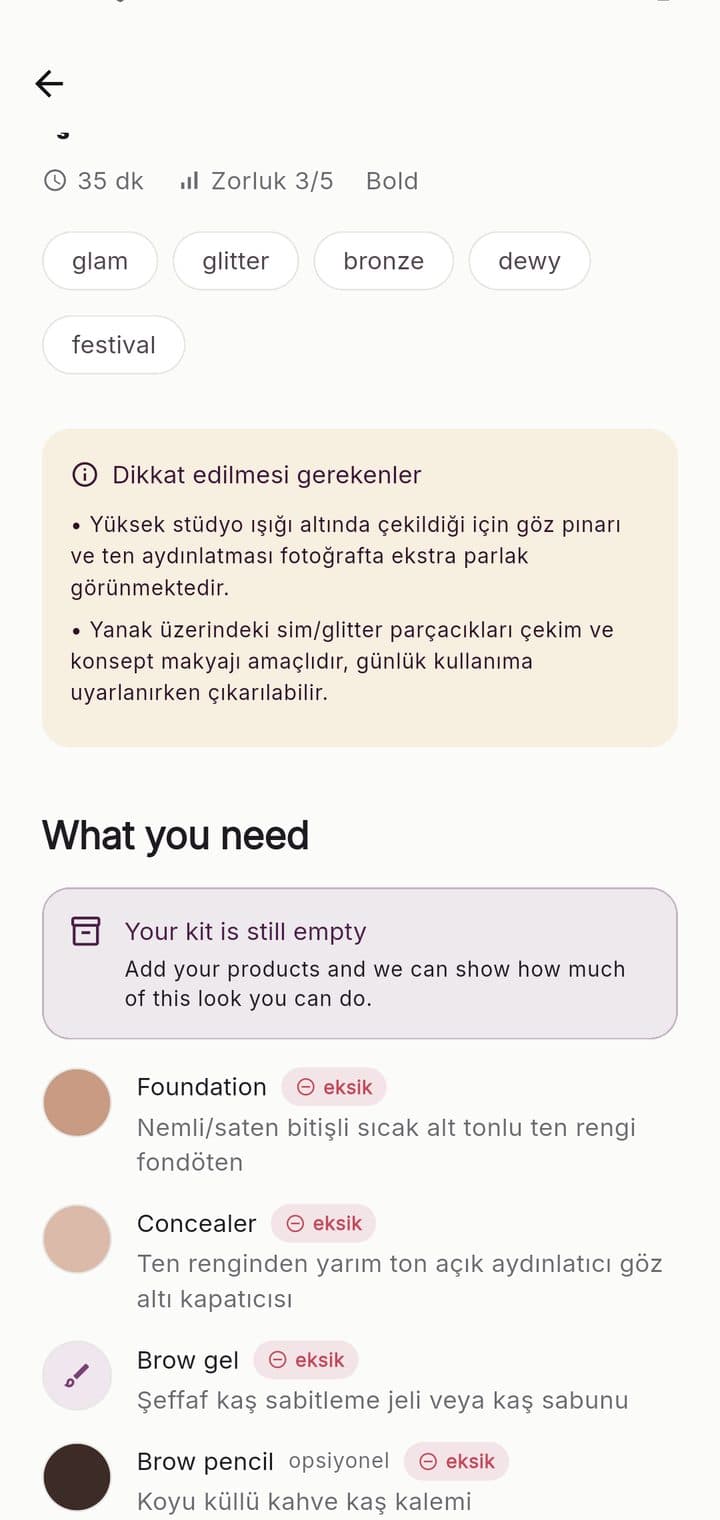
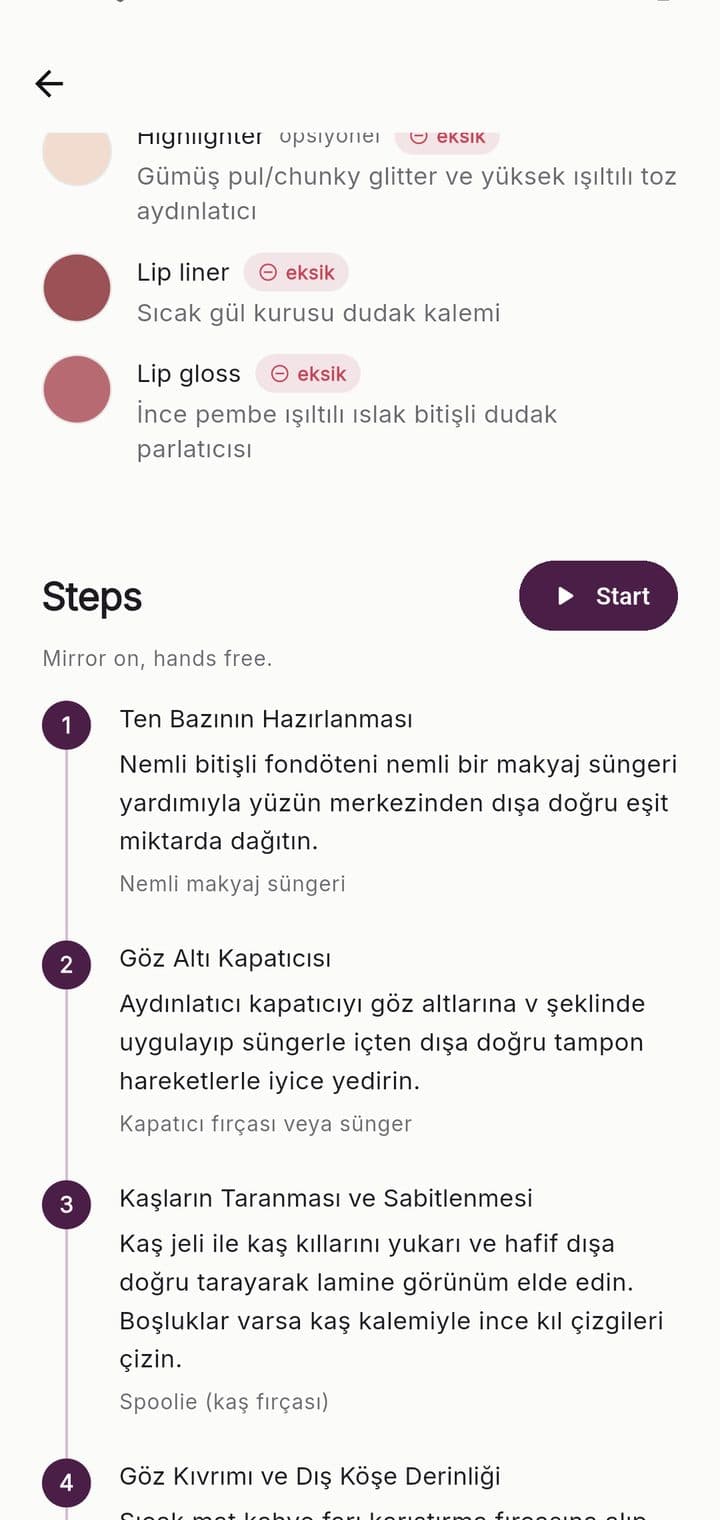
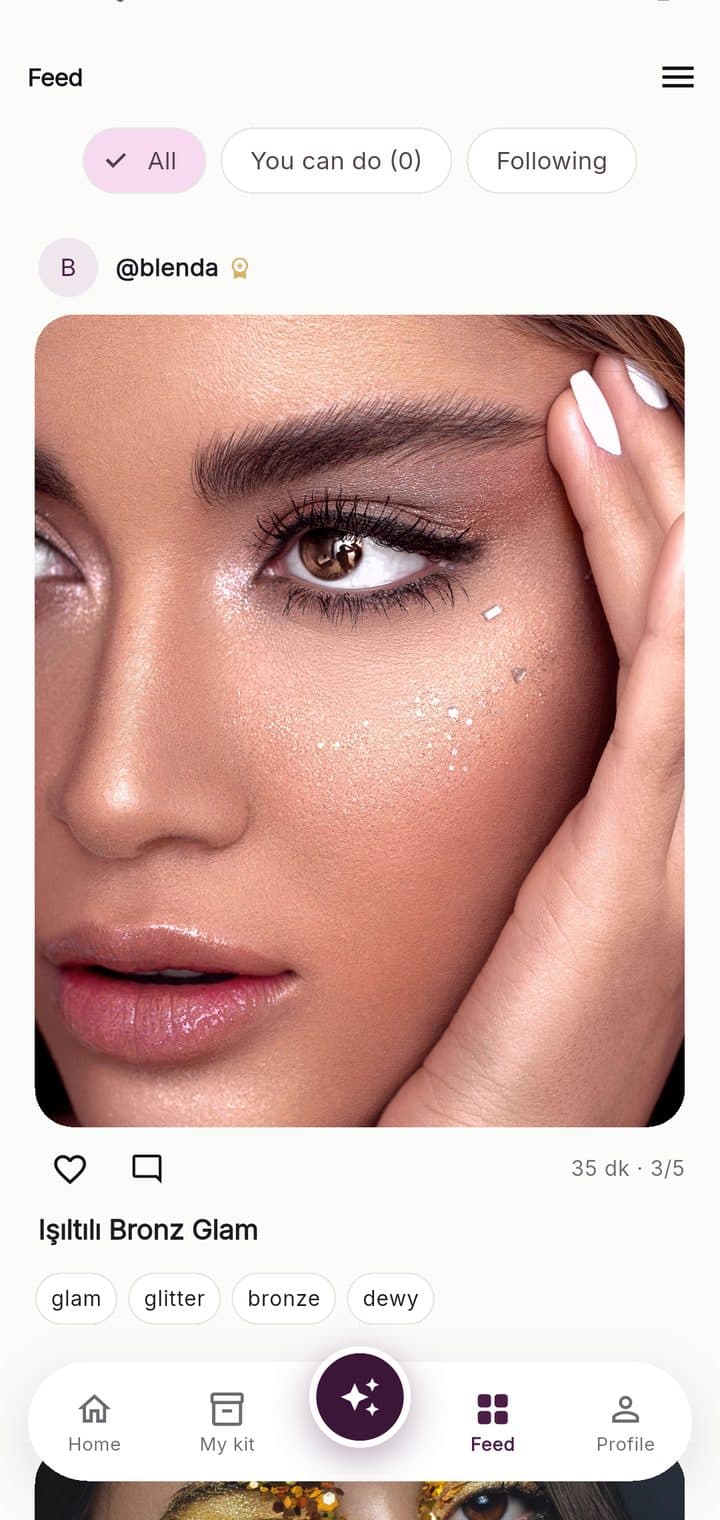
Colour matching
Shade matches are measured, not estimated.
Whether a product is close enough to the shade a recipe calls for cannot be judged by eye. Blenda compares the requested shade with the colour of your product using a method that models how the human eye perceives colour difference. The result is one of three states: you have it, a substitute works, or it is missing.
You have it
Your product's shade counts as the one the recipe asks for.
Indistinguishable by eye
Close enough
Not identical, but it does the job. Blenda states the difference, so if the result is not what you expected you know why.
Noticeable, but the look holds
Missing
Nothing in your kit matches. If only one product is missing, it is named for you.
A different colour
Personalisation
Recipes are produced for you.
The first time you open the app you scan your face. The resulting profile accompanies every analysis, so even your first recipe is guidance adapted to you rather than a general tutorial.
Face and eye shape
Almond, monolid, hooded, downturned. The same eyeliner shape is not applied the same way to every eye, and the recipe adapts to yours.
Skin tone and undertone
Warm, cool or neutral. The shade a recipe calls for is shifted to suit your undertone.
Scanning is optional
Face data is biometric data. You can skip the step; recipes then stay general. The raw photo is never stored, only the attributes derived from it.
Your kit
The products you own change the recipe.
What makes a recipe followable is having the products it needs. Blenda knows your kit and rewrites every look around it.
What you can do today
Looks that can be completed in full with the products you already own are listed separately.
When one product is missing
You are told which product is missing and how many looks it would unlock.
Substitute finder
If you do not own the shade a recipe asks for, the closest product in your kit is suggested by colour distance.
Set up from a photo
Lay your products out and take a single photo. Recognised products are listed and you confirm them.
What's inside
Features beyond the recipe.
Guided Mode
Half the screen is a mirror, half is the step. Each step can be read aloud and timed so your hands stay free.
Face map
Where a product goes is marked on your own face with a transparent overlay, instead of being described in words.
Step-by-step recipe
Eight to fourteen steps. For each one: what, where, with which brush and how long it takes.
Difficulty and duration
Every look carries a difficulty score and an estimated time, so you know what to pick when you have eight minutes.
Nail module
The same engine with a different vocabulary. Gel and regular polish are kept as separate categories, because one requires a UV lamp.
Saved looks
Every recipe you solve is kept, so you never have to analyse the same photo twice.
Feed
See the looks other people have solved, try them and share your own result.
Two languages
The interface and the generated recipes are in Turkish and English. The language follows your device and can be changed from the menu.
Our approach
Data, accuracy and privacy.
Product detail
We do not invent brand names
A brand cannot be read from a photo, and guessing would mean producing false information. Blenda gives category, finish and shade. Your kit decides which product fits.
Photographs
Deleted the moment processing ends
Neither the look you analyse nor your face scan is stored anywhere. The only thing kept is the result.
Measurement
Every figure stands for something
The values on screen come from real measurements: the number of products in your kit, the looks you have solved and the measured colour difference.
Pricing
The first two analyses are free.
Every analysis carries a real processing cost, so the free allowance is limited. Your kit, your profile and the looks you can do with the products you own stay open at all times.
Free
₺0
- ·2 analyses (for the life of the account)
- ·Unlimited product kit
- ·Face and skin profile
- ·Step-by-step recipes
- ·Feed: browse, save and share
Premium · Monthly
₺99/mo
- ·Everything in the free plan
- ·100 analyses a month (makeup and nails)
- ·Guided Mode: mirror and spoken steps
- ·Face map highlighting
- ·Substitute finder
- ·No ads
Premium · Yearly
Save 41%₺699/yr
- ·Everything in the monthly plan
- ·Over two months free versus monthly
- ·One payment, the price fixed for a year
- ·Cancel at any time
Prices shown are for Türkiye. The App Store and Google Play display the price in the currency of your country. The limit of 100 analyses a month is a fair-use allowance; every analysis carries a real processing cost.
Common questions
What happens to my photo?+
It is sent for analysis and deleted the moment processing ends. It remains neither on the server nor on your device. The only thing stored is the result: the recipe, the steps and the colour values.
Does it name brands?+
No. A brand cannot be read from a photo, and guessing would mean producing false information. Blenda gives category, finish and shade, and your kit decides which product fits.
Is it useful with an empty kit?+
You still receive the recipe, but matching will not work. You can build your kit from a single photo rather than entering products one by one.
Can I use it without an account?+
You can browse the feed and build your kit. Photo analysis and scanning run on AI, so they need a free account; your first two analyses are free too.
How long does an analysis take?+
Usually under half a minute. If you send a photo that has already been solved, the result is immediate and does not count against your free allowance.
Does it work offline?+
Your kit is held on your phone, so adding and browsing products works offline and you can enter products in a shop without a connection. Analysis needs the server.
Does it cover nails?+
Yes. The same engine works for nails. Gel and regular polish are separate categories, because one requires a UV lamp and the same recipe cannot be done with both.
How do I cancel a subscription?+
Through the App Store or Google Play, independently of the app. Payment is taken by the store, so cancellation runs through it as well; Blenda never sees your card details.
Download
Blenda on your phone.
On the App Store for iPhone. Android is coming soon. Turkish and English; your first two analyses are free with a free account.